Frequently Asked Questions
My software has a message that says - Insufficient Licenses Available to Connect (Max 2) Try to Free Licenses.
This is caused by either having multiple sessions of the software open, or the software was unable to close the license properly when it exited from a session and didn't reset the license count (this is most common if the software has crashed out after an abnormal operation).
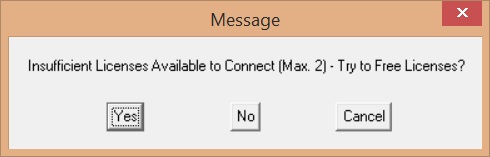
If you select [Yes] then the software will try to free the license up. If it doesn’t find any other sessions open it will close the conflicting 'ghost' session it thinks is already open, reset the license counter and then open the new session.
back